Modicon Quantum Ethernet Modules: Picking the Right NOE for Your Rack
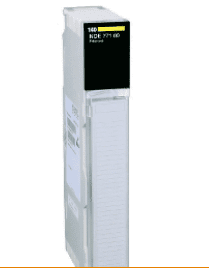
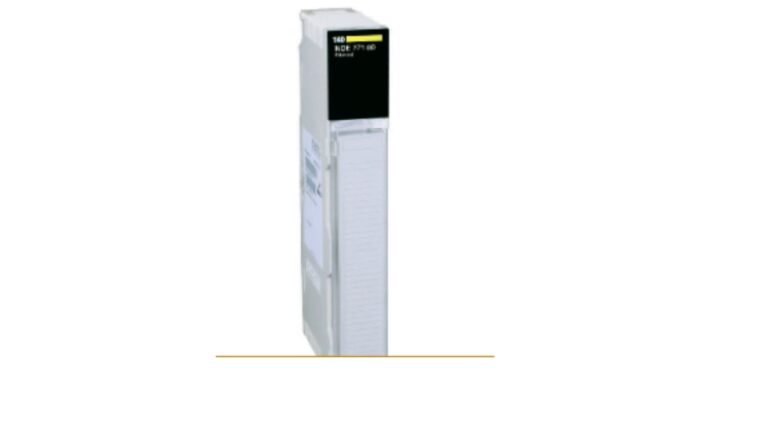
If your Quantum rack has dropped off the network but the CPU still runs local logic fine, the NOE Ethernet module is the first place to check, not the processor. Confirm the exact model before ordering a replacement, since NOE modules differ in port count and protocol support even within the same series.
A rack that’s lost network communication looks alarming, alarms stop updating, SCADA screens freeze, historian data goes stale, but the process itself may still be running locally. That distinction matters, because it usually points straight at the communication module instead of the processor.
Why a Comms Failure Gets Mistaken for a Processor Failure
When a Modicon Quantum Ethernet modules card fails, everything downstream of it, HMI screens, SCADA polling, historian logging, stops updating at once. It looks like the whole system went down. But if the CPU is still cycling and driving local I/O, the actual fault is almost always isolated to the communication card, not the logic engine running the process.
That distinction saves a lot of wasted troubleshooting time. Check the NOE module’s status LEDs before you start suspecting the processor.
140NOE Modules Compared
| Model | Typical Port Speed | Protocol Support | Best For |
|---|---|---|---|
| 140NOE77100 | 10/100 Mbps | Modbus TCP | Standard single-connection Ethernet |
| 140NOE77101 | 10/100 Mbps | Modbus TCP, expanded connections | Racks needing more simultaneous TCP sessions |
| 140NOE77110 | 10/100 Mbps | Modbus TCP, extended diagnostics | Networks needing deeper connection diagnostics |
These are typical published capabilities. Always confirm exact connection limits and protocol support against Schneider’s datasheet for your specific firmware revision before ordering.
1. Check the LED Status Before You Order Anything
Most NOE modules give you diagnostic LEDs right on the front. A steady fault LED, a dead link light, or a module that isn’t even powering up all point to different problems. Note exactly what you’re seeing before calling a supplier, it speeds up getting the right part confirmed.
2. Confirm the Exact Model, Not Just “NOE”
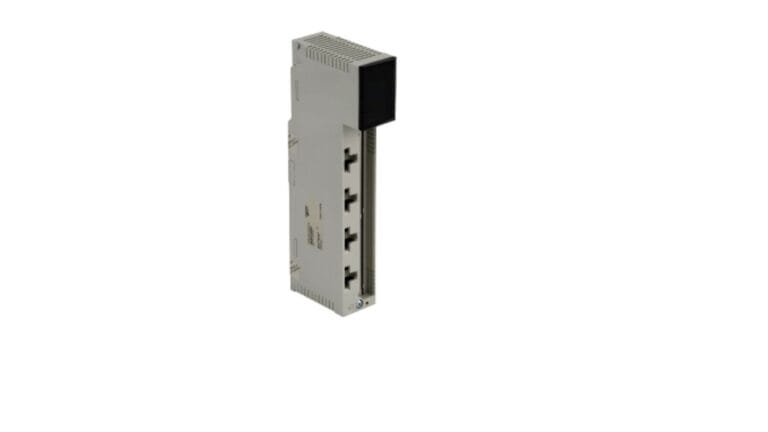
Modules in the same family aren’t identical. Connection limits and diagnostic features vary between them, even though they look nearly the same on the front panel. Pull the full model number off the module itself rather than working from memory or an old parts list.
3. Check Your Network Load, Not Just the Module
If a module keeps failing or dropping connections repeatedly, even after replacement, the real issue might be too many devices polling it at once. A module rated for a certain number of simultaneous TCP connections will behave erratically once that limit is exceeded, and that looks a lot like a hardware fault.
4. Buy From a Supplier Who Can Confirm It’s Tested and Configured Correctly
A used NOE module should be reset to factory defaults and bench-tested before it ships. An untested module can carry over a previous facility’s IP configuration, which causes a confusing new problem the moment you plug it in.
For general background on how these modules fit into a broader industrial network, Schneider Electric’s own Modicon Ethernet documentation is the most reliable source for exact specs and firmware notes.
Frequently Asked Questions
Q: My rack lost communication but the process is still running. Is that normal? A: Yes, this is common with a failed Ethernet module. The CPU can keep running local logic and I/O independently of the communication card, which is why the process often keeps going even though remote monitoring goes dark.
Q: Can I swap in any NOE module as long as it fits the slot? A: Not always. Connection limits and protocol support vary between models in the same family. Confirm the exact model number matches what your program and network configuration expect.
Q: How do I check if my network load is too high for the module? A: Count the number of devices, HMIs, SCADA clients, historians, actively polling the module at once. Compare that against the module’s rated simultaneous connection limit in the datasheet.
Q: Does a used NOE module need to be reconfigured before I install it? A: Usually yes. It should come reset to factory defaults from the supplier, and you’ll need to set the IP address and any connection settings to match your network before it goes live.
A dropped connection on a Modicon Quantum Ethernet modules card usually isn’t a processor problem, it’s isolated to the comms card itself. Check the status LEDs, confirm the exact model before ordering, and make sure whatever you install has been tested and reset to factory defaults first.